Facebook Messenger and Instagram Direct Messages are messaging integrations that reuse your Meta (Facebook) connection. Connect Facebook once under Configuration → Integrations, then enable Messenger per Page and Instagram Business accounts linked through Meta. Conversations appear in the messaging / interactions inbox alongside WhatsApp and other channels.
Please note:
- Connect Facebook (Meta native) first — Messenger and Instagram DM cards require that OAuth connection. Lead Ads setup is separate; see Connect Facebook Lead Ads (Meta).
- You need a Meta user who can manage the Page (and linked Instagram Business account) you enable.
- Enabling Messenger or Instagram does not replace Lead Ads subscriptions — configure each product you use.
Prerequisites
- Open Configuration → Integrations
- Connect Facebook and complete Meta OAuth
- Confirm the Page (and Instagram Business account, if any) appears in Facebook config
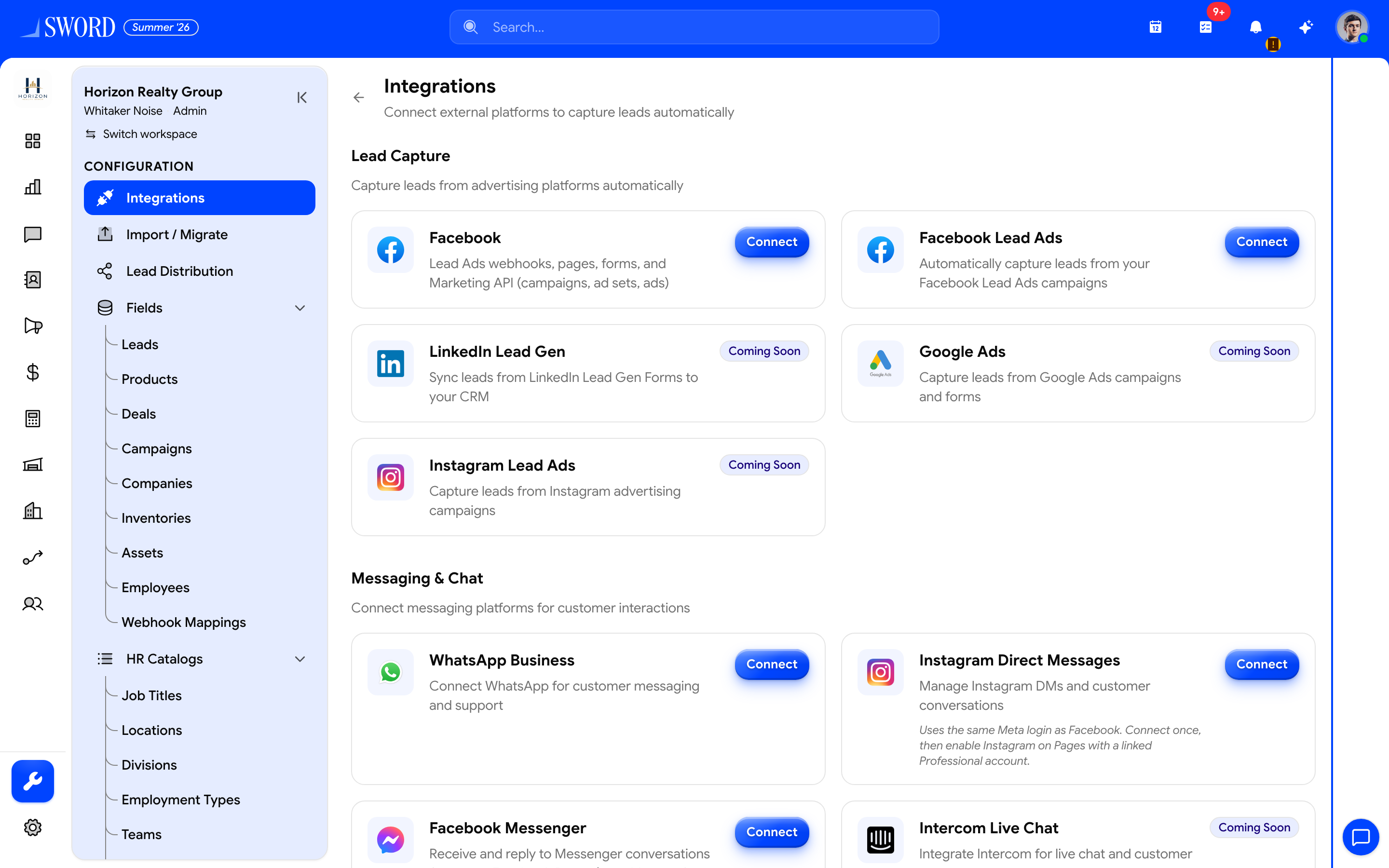
- Open Configuration → Integrations
- Connect Facebook (Meta) first
- Then enable Messenger / Instagram DM on the connected Pages
Enable Messenger
- Open the Facebook / messaging integration config for your connected Pages
- Turn on Messenger enabled (or equivalent) for each Page that should receive DMs
- Confirm new conversations show source Messenger in the inbox
Enable Instagram DM
- Ensure the Instagram Business account is linked to the Facebook Page in Meta Business settings
- Enable Instagram Direct Messages for that account in EDGE Sword’s integration config
- Confirm inbound DMs appear with source Instagram
| Channel | Depends on | Inbox source label |
|---|---|---|
| Facebook Messenger | Meta Facebook connection + per-Page enable | Messenger |
| Instagram DM | Linked Instagram Business account + enable | |
| WhatsApp Business | Separate WhatsApp connection | WhatsApp — see Connect WhatsApp Business |
flowchart TB
  Meta[Connect Facebook Meta OAuth] --> Pages[Connected Pages]
  Pages --> Msg[Enable Messenger per Page]
  Pages --> IG[Enable Instagram DM]
  Msg --> Inbox[Messaging inbox]
  IG --> Inbox
Related
- Integrations overview
- Connect Facebook Lead Ads (Meta) — lead forms, not DMs
- Connect WhatsApp Business
- Track interactions