Shifts helps you build rosters, publish schedules, and keep frontline coverage aligned with approved leave.
Please note:
- Approved leave from Leave requests and approvals blocks conflicting slots — resolve overlaps before publish so Payroll and tax reads accurate worked hours.
- Only users with shift-management permissions can edit published rosters; employees see My Schedule read-only unless they have swap/claim rights.
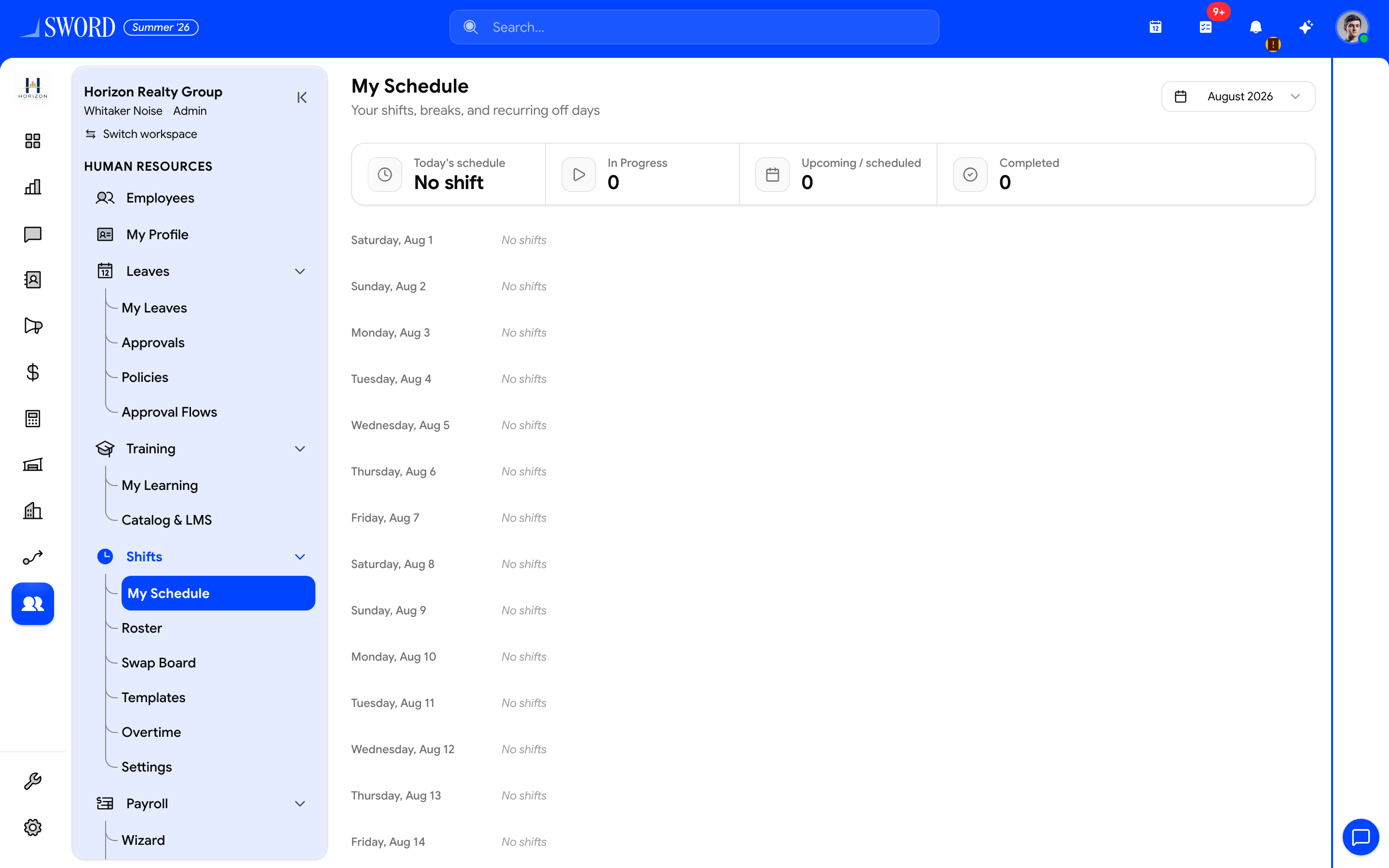
- Open Shifts → My Schedule (Roster / Templates for planning)
- Pick the month to review
- Today / upcoming / completed summary cards
- Day-by-day assignments after the roster is published
Shift areas
| Area | Path | Purpose |
|---|---|---|
| My Schedule | /dashboard/hr/shifts/my-schedule |
Employee’s own assignments |
| Roster | /dashboard/hr/shifts/roster |
Team roster planning |
| Swap Board | /dashboard/hr/shifts/swaps |
Shift swap requests (shifts.request_swap) |
| Templates | /dashboard/hr/shifts/templates |
Reusable shift definitions |
| Overtime | /dashboard/hr/shifts/overtime |
Overtime management (shifts.manage_overtime) |
| Settings | /dashboard/hr/shifts/settings |
Module settings (shifts.manage_settings) |
Build a schedule
- Open Shifts → Roster and select a location or department — rosters filter by the department on each Manage employees and profiles record.
- Define shift templates under Templates (start, end, break rules)
- Assign employees to open slots for the week or month
- Publish so staff see their roster in My Schedule
Draft schedules stay editable until published. After publish, changes notify affected employees when notifications are enabled. Staff can request swaps on the Swap Board when permitted; managers handle overtime on the Overtime page.
Shift types
| Shift type | Best for | Notes |
|---|---|---|
| Fixed | Retail, front desk | Same hours each day |
| Rotating | Warehouses, call centers | Cycle through bands |
| Split | Hospitality peaks | Lunch and dinner blocks |
| On-call | Field teams | Minimal hours until activated |
flowchart TD
  A[Create shift templates] --> B[Assign employees to slots]
  B --> C{Conflicts?}
  C -->|Leave overlap| D[Adjust assignment]
  C -->|None| E[Publish roster]
  D --> B
  E --> F[My Schedule / Swap Board]
  E --> G[Payroll reads worked hours]
Conflicts and coverage
The scheduler flags overlapping leave, double bookings, and understaffed windows. Resolve conflicts before publish so Payroll and tax and attendance stay accurate. Filter rosters by department when Departments and hierarchy scopes are configured. Managers approving Leave requests and approvals should refresh the draft roster when they accept time off during published weeks.
Permissions
Only users with shift-management permissions can edit published rosters. Employees typically see their own assignments on My Schedule; swap and overtime actions require the matching shifts.* permissions.