Configuration → Lead Distribution controls how inbound leads from each source (for example Facebook) are assigned: which pipeline, who owns them, and how round-robin advances.
Please note:
- Create assignment pools (and teams/roles) before enabling distribution.
- The source must be an active integration — connect Facebook or LeadsBridge first.
- Distribute now bulk-assigns existing unassigned leads for that source; use carefully in production.
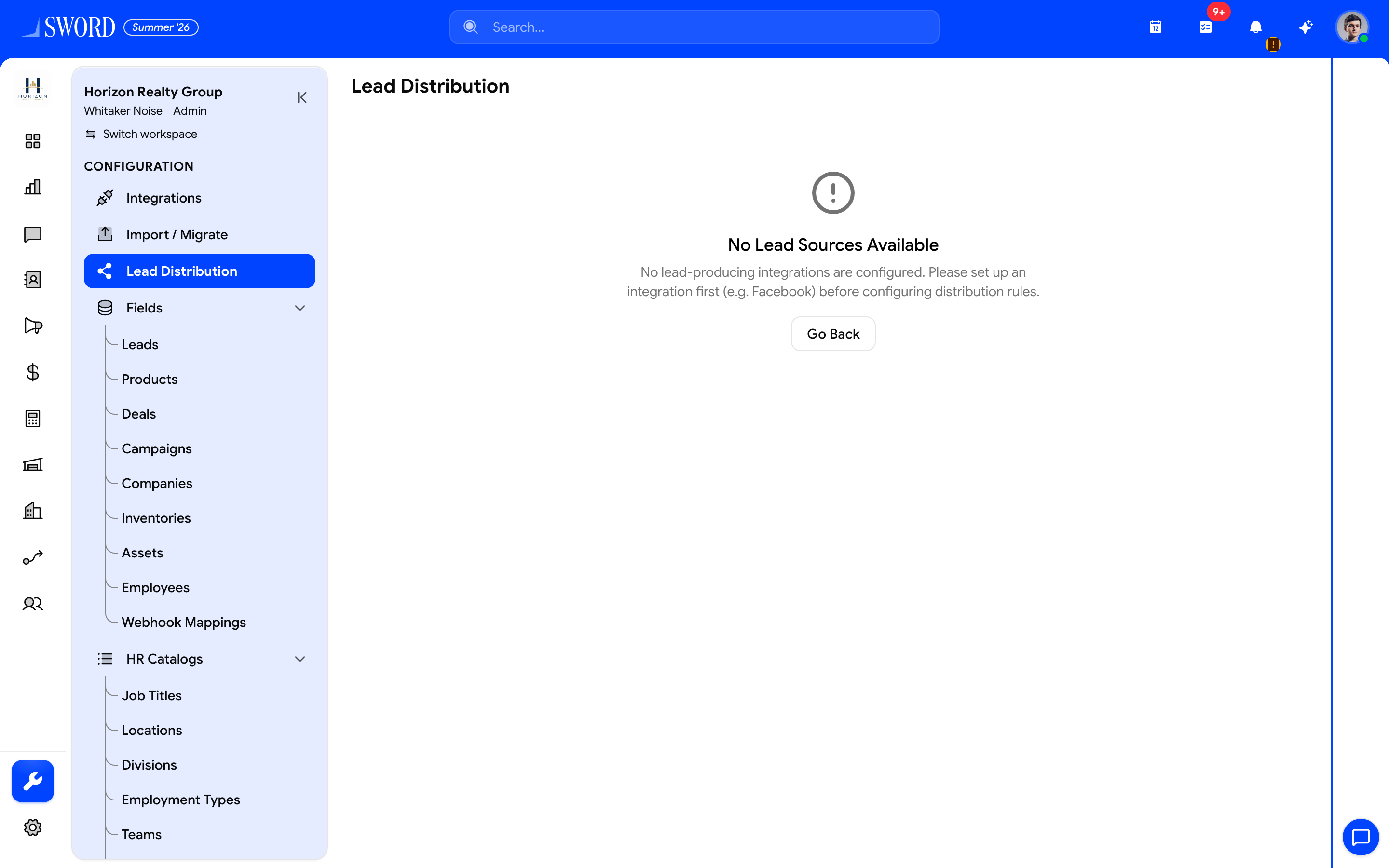
- Open Configuration → Lead Distribution
- Connect a lead source (e.g. Facebook) first, then pick pipeline, pool/team/role, and round-robin
Open and pick a source
- Open Configuration → Lead Distribution.
- Select a source from available integrations (active sources are preferred).
- Review whether the integration is active for that source.
Configure routing
| Setting | Options | Purpose |
|---|---|---|
| Pipeline / stage | Pipelines from Configuration | Where new leads land |
| Assignment type | Pool, Team, or Role | Who can receive ownership |
| Assignment targets | Pool IDs, team, or role IDs | The eligible assignee set |
| Distribution method | Round robin (primary) | Fair rotation across members |
| Fallback | Optional fallback pools | Used when team/role assignment cannot resolve |
- Choose assignment type: pool, team, or role.
- Select the pool(s), team, or role(s).
- Optionally enable fallback and pick fallback pools.
- Save settings for that source.
Round-robin tools
On the same page you can:
- View the robin pool (members, current index, next/previous)
- Reset round-robin to restart rotation
- Inspect the next candidate before going live
- Test the configuration with the test dialog
Distribute now
- Open Distribute now.
- Review the preview count (leads to assign × pool size).
- Confirm — progress streams while bulk assignment runs.
- When complete, verify owners on Leads.
flowchart LR
  Source[Inbound source] --> Rules[Lead Distribution]
  Rules --> Pipeline[Pipeline + stage]
  Rules --> Assign[Pool / Team / Role]
  Assign --> RR[Round robin]
  RR --> Owner[Lead owner]
After import wizard distribution, the same pools apply — see Import and migrate leads.