Payroll consolidates earnings, deductions, tax, and provident fund into pay cycles your finance team can reconcile.
Please note:
- Unpublished Shift scheduling changes and pending Leave requests and approvals can skew gross pay — confirm both modules before starting a cycle.
- Posted cycles lock historical payslips; reopen only when your permissions allow and finance has signed off.
- Mid-month joiners and exits are prorated when Prorate Salaries is enabled in Payroll settings — confirm exit dates on Manage employees and profiles before running the final month.
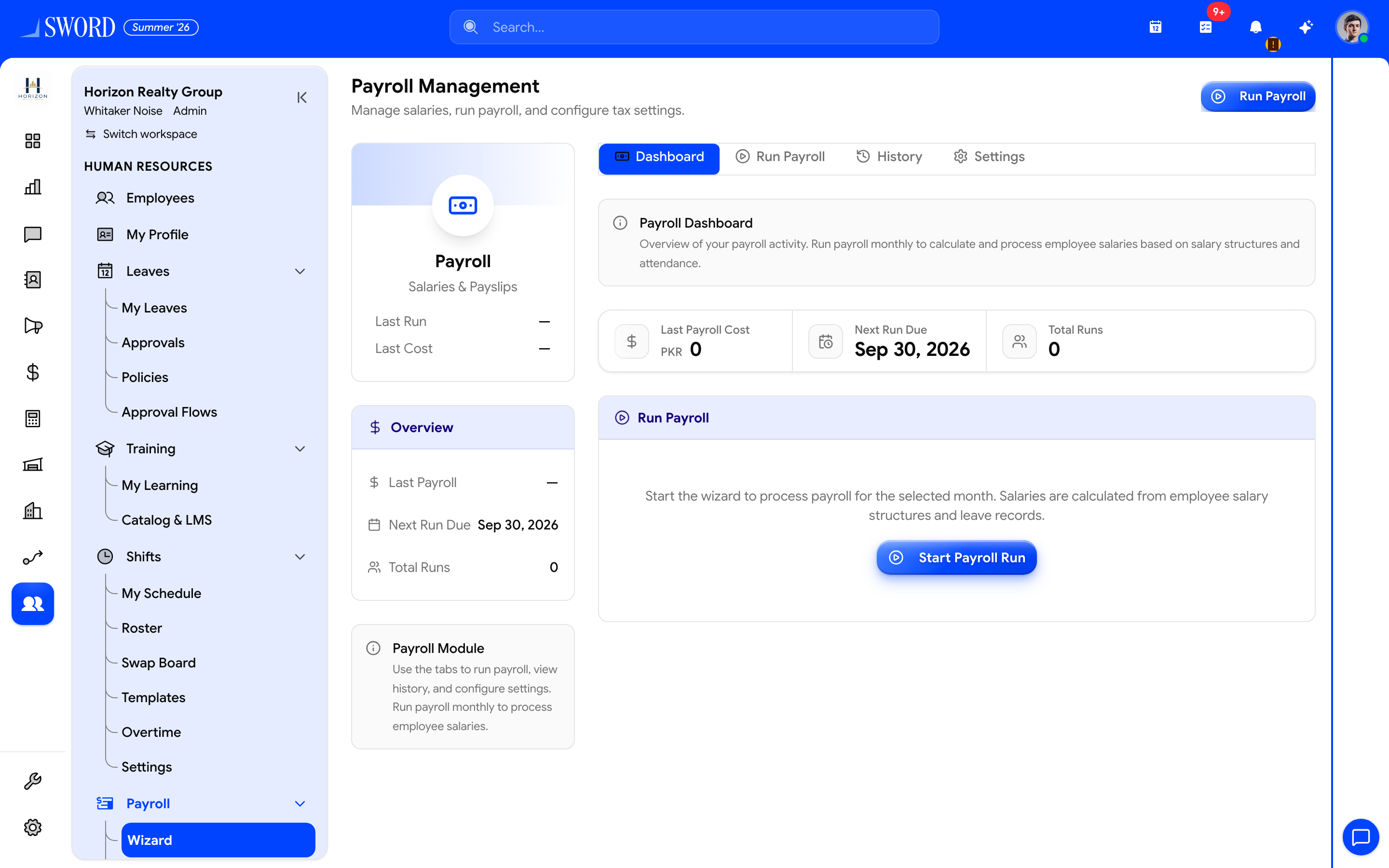
- Open HR → Payroll → Wizard
- Switch Dashboard, Run Payroll, History, and Settings
- Header shortcut to start a cycle
- Start Payroll Run opens the pay-cycle wizard
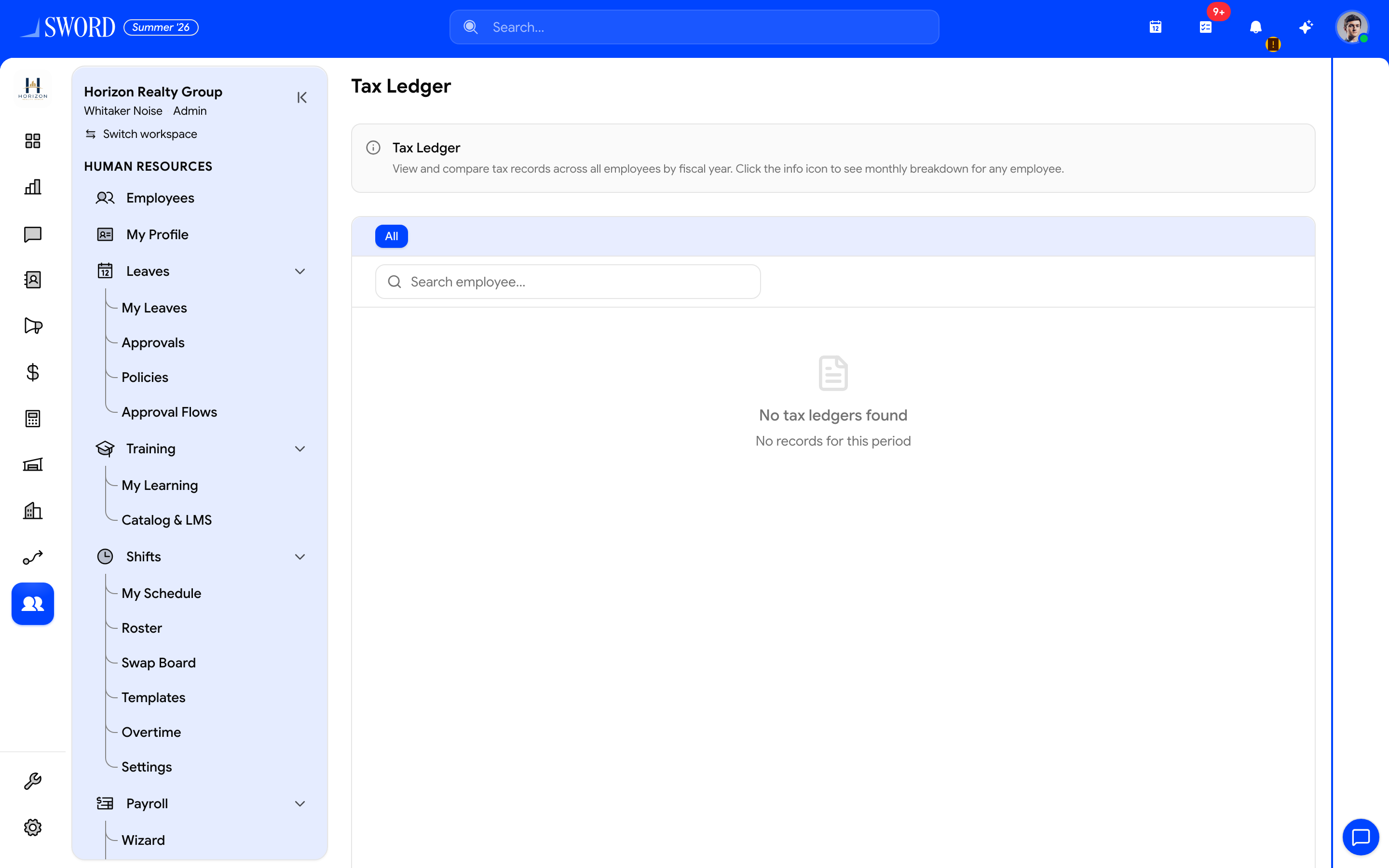
- Open the Tax area linked from Payroll
- Confirm rules that feed each pay cycle
Run a pay cycle
- Confirm shifts, leave, and adjustments for the period — validate Departments and hierarchy cost-center mappings when finance splits labor by unit.
- Open Payroll and start a new cycle for the date range
- Review calculated gross, tax, and net per employee
- Post or export when totals match finance expectations
Cycles lock after posting so historical payslips stay auditable.
Mid-month join and exit proration
When Prorate Salaries is on (Payroll settings), EDGE includes:
| Situation | What payroll does |
|---|---|
| Joined mid-month (including probation) | Pays only from the join date through month end |
| Exited / terminated mid-month | Includes the employee for a final prorated payslip through their exit date |
| Exited before the payroll month | Skips them — they already left before the period |
Worked days follow your salary calculation basis (calendar days or working-days divisor). Configure the exit-day rule under Payroll → Settings:
| Setting | Effect |
|---|---|
| Prorate Salaries | Turns join/exit proration on or off for future runs |
| Include Exit Date in Prorated Pay | When on, the exit/termination date is a paid day; when off, pay stops the day before |
Set a clear exit date on the employee profile before the final-month run so prorated days match HR records.
Components in a typical run
| Component | Source | Affects net pay |
|---|---|---|
| Base salary | Employee profile (prorated when settings allow) | Yes |
| Shift / overtime | Shifts module | Yes |
| Tax withholding | Tax rules | Yes (deduction) |
| Provident fund | PF configuration | Yes (deduction) |
| One-off adjustments | Manual entry | Yes |
| Reimbursements | Approved expenses (optional setting) | Yes |
flowchart LR
  A[Shifts & leave] --> B[Payroll cycle]
  C[Employee salary] --> B
  D[Tax rules] --> B
  E[Provident fund] --> B
  X[Join / exit dates] --> B
  B --> F[Review & approve]
  F --> G[Payslips & finance export]
Tax configuration
Admins maintain tax slabs, exemptions, and filing metadata under Tax. Rules apply by jurisdiction and employee classification. Validate with a sample employee before the first live run.
Provident fund
Provident fund has its own module UI — accounts, employee My PF, requests, withdrawals, vesting, VPF, and optional EOBI. Configure policy under PF Settings and see Provident fund and EOBI for the full guide. Percentages and caps are configured once; each payroll cycle posts contributions to the employee ledger and summary reports.
Reconciliation
Match payroll totals to finance Payments or bank exports. Discrepancies usually trace to unpublished shifts in Shift scheduling, mid-cycle profile changes, or missing exit dates on Manage employees and profiles — re-open the cycle only if your permissions allow. New hires need both an HR profile and a linked user via Manage members before self-service payslips appear.
Benefit enrollments with employee contributions can feed deduction types — see Benefits plans and enrollments. Keep the primary bank account current on the employee Salary / Details satellites before disbursement.