Training gives employees a My Learning view and admins a Catalog & LMS view for courses and TalentLMS linkage. Open HR → Training.
Please note:
- Enable the training module. Learners need
training.readortraining.read_own; catalog admins needtraining.manage.- Course progress also appears on the employee profile Training tab — Manage employees and profiles.
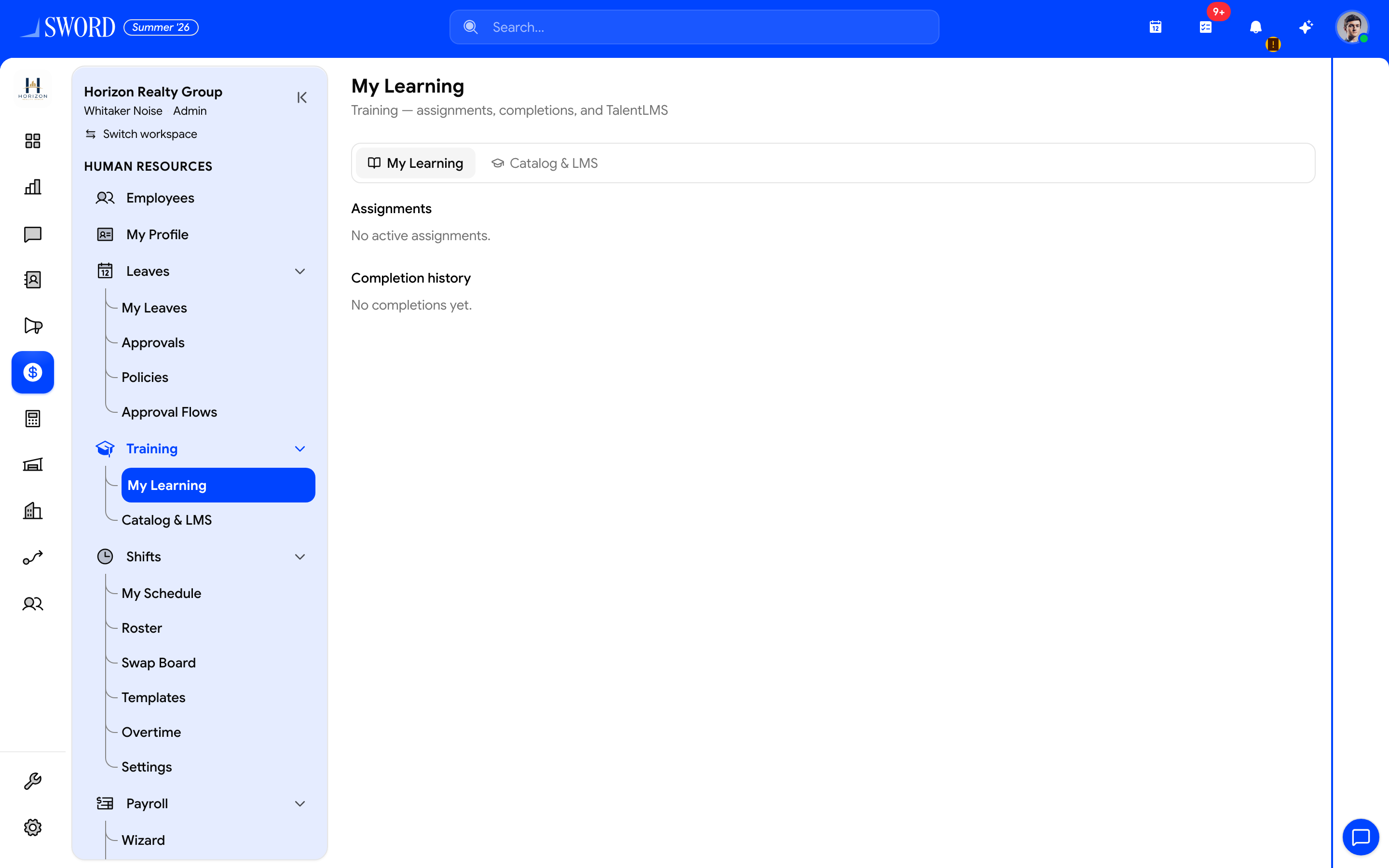
- Open HR → Training → My Learning
- Switch My Learning and Catalog & LMS
- Assignments and completion history for the signed-in user
My Learning
Training → My Learning lists assignments and completions for the signed-in user. Employees use this to find required courses and track status without opening the admin catalog.
Catalog & LMS
Training → Catalog & LMS is for HR / L&D admins:
| Area | What you do |
|---|---|
| Course catalog | Browse EDGE courses and TalentLMS-linked items |
| TalentLMS connection | Confirm which courses are linked to the external LMS |
| Assignments | Manage who should complete which courses |
Training categories can be maintained in HR catalogs (trainingCategory) alongside other people picklists.
flowchart LR
  Catalog[Course catalog] --> Assign[Assign to employees]
  Assign --> Learn[My Learning]
  LMS[TalentLMS sync] --> Catalog
  Learn --> Profile[Employee Training tab]
Employee profile
On an employee profile, the Training section shows that person’s learning record so managers can coach without leaving HR.