The Documents drive is a workspace file library with scopes (HR employee, HR company, CRM, finance, legal, operations, general), optional locations, and personal views. Open Documents from the sidebar (/dashboard/documents).
Please note:
- Enable the documents module. Browsing company scopes needs
documents.read/documents.read_all(or admin).documents.read_ownalone lands on Your documents.- Employee profile Documents tabs open the same drive filtered to that person.
- Covenant completions can appear as files with source
covenant, and signers can open Signed Documents without drive browse rights.
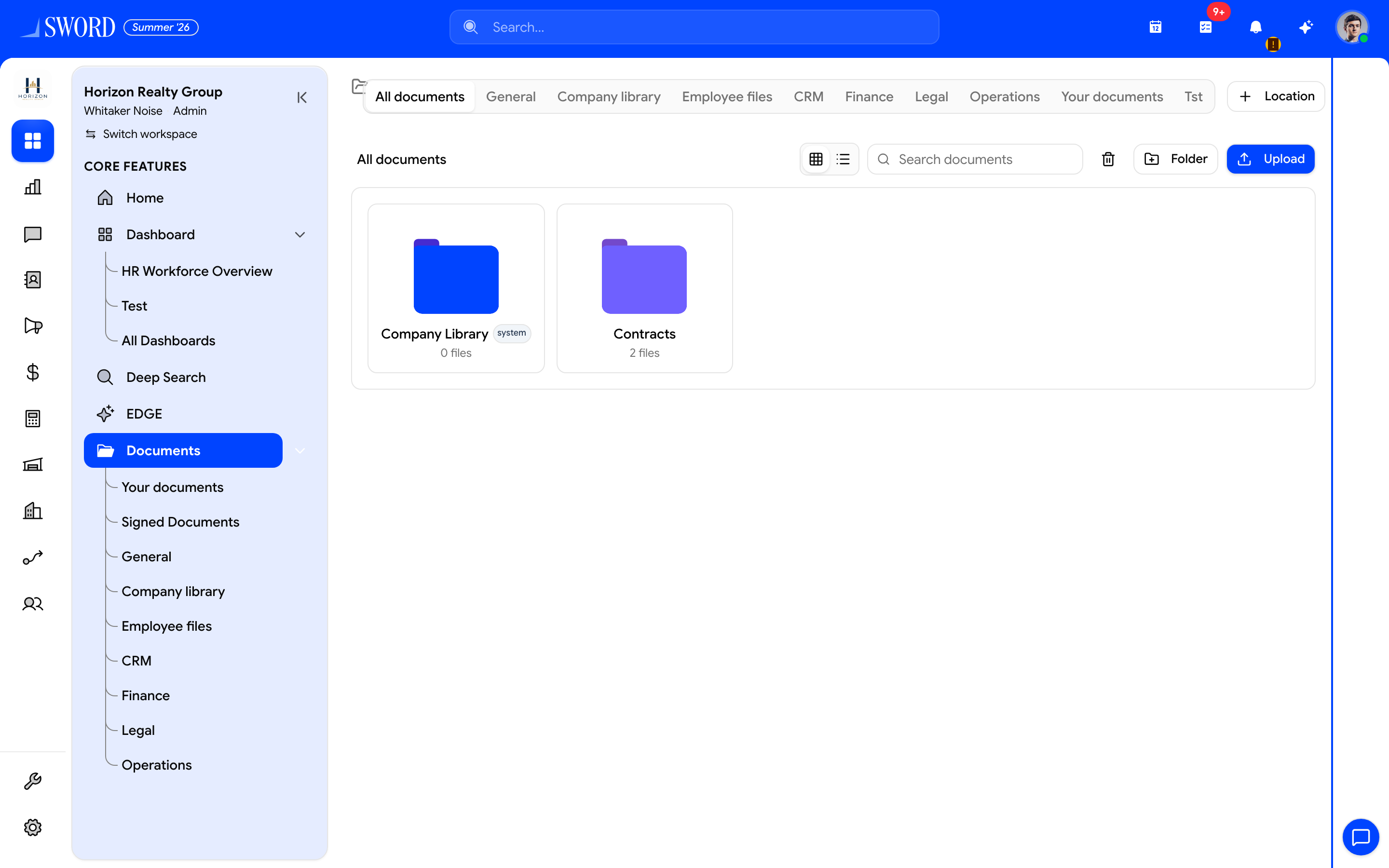
- Open Documents from the sidebar
- Pick All documents, scopes, or Your documents
- Upload or create folders
- Browse folder cards (Company library, Contracts, …)
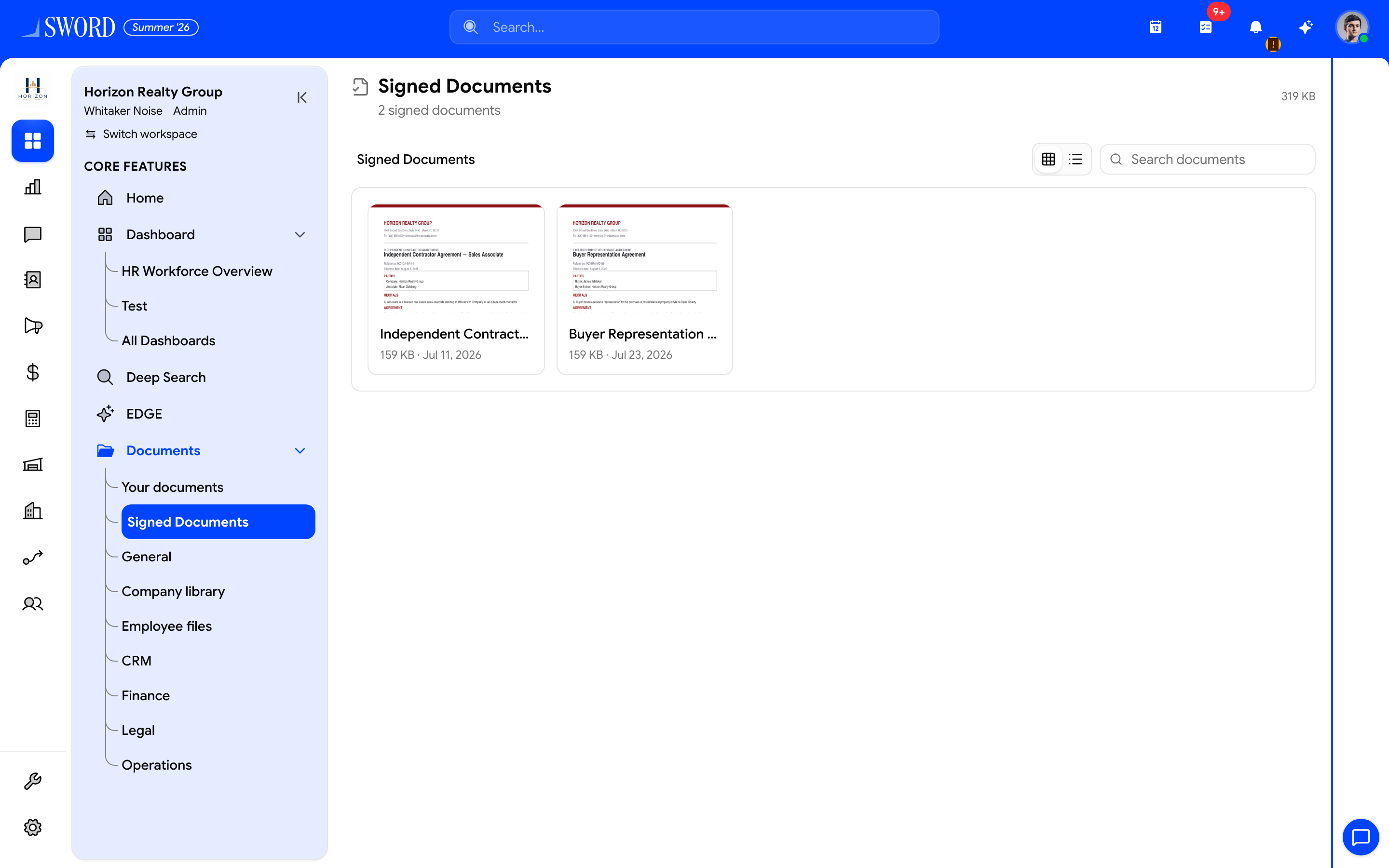
- Open Documents → Signed Documents
- Download completed Covenant PDFs you signed
Browse by scope and location
Use the sub-nav / tabs to narrow the library:
| View | Typical content |
|---|---|
Your documents (?mine=1) |
Files you uploaded plus employee docs shared with you |
| Signed Documents | Completed Covenant PDFs you signed (/dashboard/documents/signed) |
| General / Company library | Unscoped or company-wide files |
| Employee files | Per-person HR files |
| CRM / Finance / Legal / Operations | Entity-linked working files |
| Locations | Custom top-level folders (managed with documents.manage_locations) |
Folders support nested paths, visibility (private, internal, shared_with_subject, public), tags, and star/favorites. Storage usage can appear in the shell header when stats load — see Storage usage.
Employee-linked files
On Manage employees and profiles, open Documents to see folders and files linked to that employee entity. Uploads here stay associated with the person for audits and offboarding. Shared employee documents also appear under Your documents for people they were shared with.
Workspace file picker
When attaching files elsewhere (for example creating a Covenant draft), the picker can source from Computer, Workspace drive, Uploads, scopes, or custom locations instead of only a local upload.
Related to Covenant and onboarding
- Signed hire-packet PDFs — Covenant hire packets
- Ad-hoc signature packets — Covenant e-signatures
- Pending signatures — Approvals hub
- Invite document uploads land on the profile during onboarding — Manage members
Permissions
| Permission | Access |
|---|---|
documents.read / documents.read_all |
Browse scopes and locations |
documents.read_own |
Your documents (and signed copies as applicable) |
documents.create |
Upload |
documents.manage_locations |
Create/manage location tabs |
Confirm role bundles under Roles in settings. Users without shared-scope access should not see other teams’ folders even if the module is enabled.