Recruiting covers job postings, an applicant pipeline, and hiring into the workspace. Open HR → Recruiting (/dashboard/hr/recruiting).
Please note:
- Enable the recruiting module and grant
recruiting.*permissions.- BambooHR ATS imports can seed jobs and applicants; empty lists usually mean no import has run yet.
- After hire, finish profile, Covenant hire packets, and Manage members access.
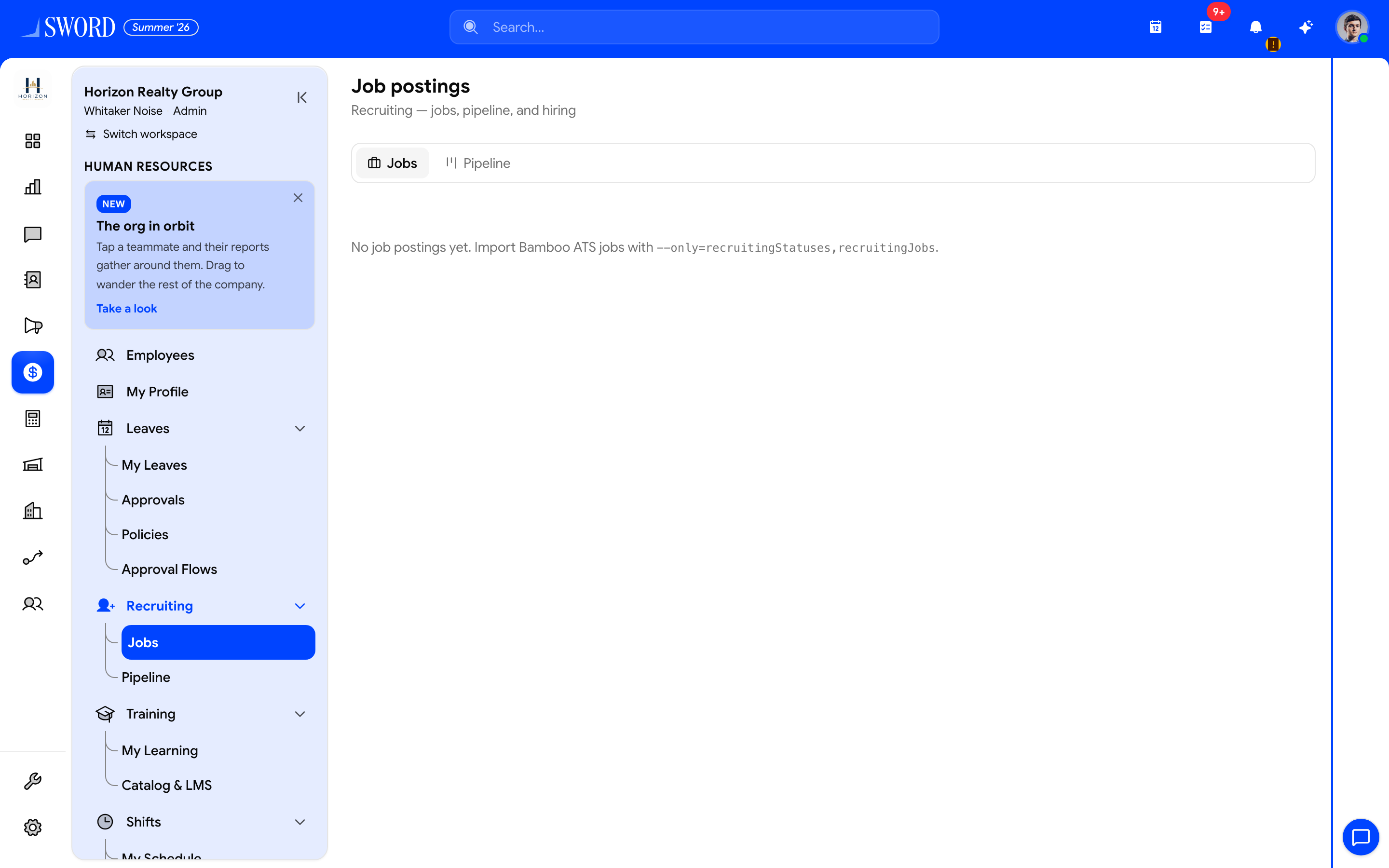
- Open HR → Recruiting → Jobs
- Browse job postings (import or create)
- Switch to Pipeline for applicant stages
- Open a job or hire from an applicant into Employees
Jobs
- Open Recruiting → Jobs
- Review postings (title, status, location, and import metadata when present)
- Open a job to see linked applicants
Create or import jobs before expecting pipeline cards. Catalog options for departments and locations should already exist under HR catalogs / Departments and hierarchy.
Pipeline
Recruiting → Pipeline is a board of applicants by stage. Use it to:
- See candidates across open jobs
- Open an applicant for contact details, job link, and notes
- Advance or update status as interviews progress
Hire an applicant
From applicant detail, Hire creates a User + TenantMember in EDGE so HR can continue onboarding:
- Confirm identity and email on the applicant record
- Run Hire (requires
recruiting.hire) - Complete the employee profile — Manage employees and profiles
- Send invite / Covenant packet as needed
flowchart LR
  Jobs[Job postings] --> Apps[Applicants]
  Apps --> Pipeline[Pipeline stages]
  Pipeline --> Hire[Hire to EDGE user]
  Hire --> Profile[Employee profile]
  Profile --> Covenant[Optional hire packet]
Permissions
| Permission | Use |
|---|---|
recruiting.read |
View jobs and pipeline |
recruiting.create / recruiting.update |
Maintain postings and applicants |
recruiting.hire |
Convert applicant to workspace member |